Features
What the player does.
Live television, films and series from your provider, with a guide assembled from their own listings.
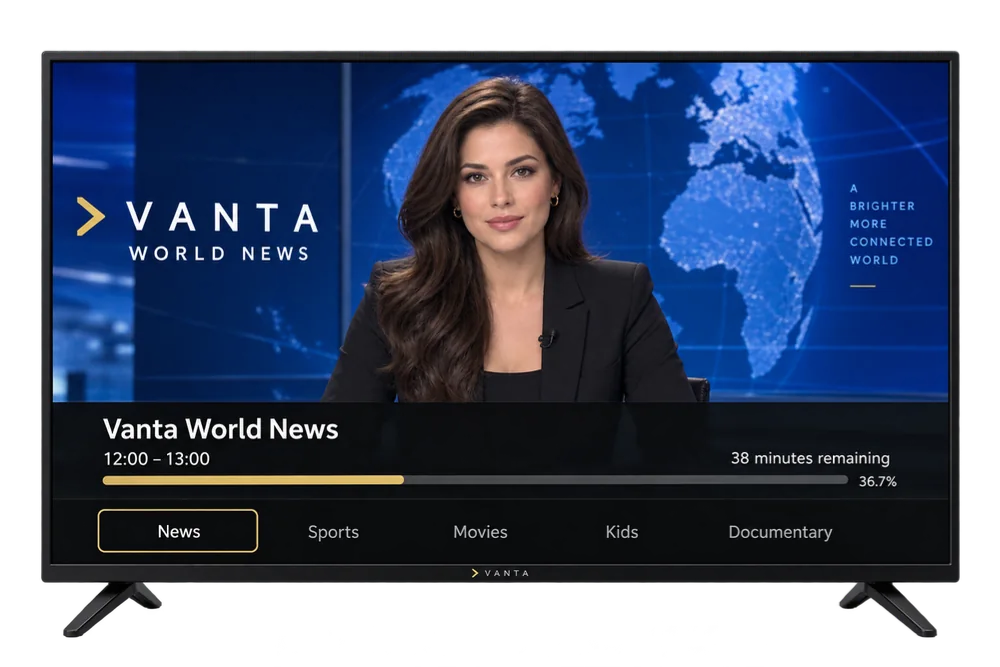
Illustrative screen content. No content included.
01 · Watching
Driven by the remote.
Arrows to move, select to open, back to leave. The same four keys work everywhere in the app.
The channel switcher opens over the picture, so you never lose the stream.
Films and series behave like live television: same highlight, same back button.
Every field can be filled with the remote, with the Android phone keyboard, or with both.
Illustrative screen content. No content included.
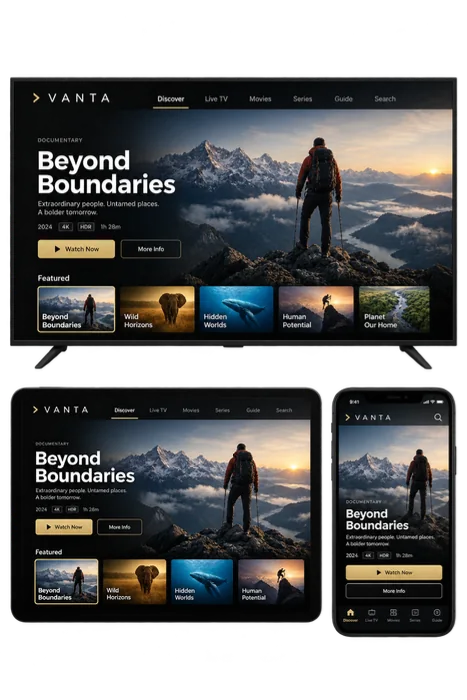
The same product, three layouts
- One Discover screen
- The featured title and the Top Channels wall you see on the television are the ones your Android phone, tablet and foldable show, laid out for their own size.
- Each device stands alone
- Source details are entered and kept per device. Favourites and playback position are not synchronised between them.
- Your provider sets the limits
- How many devices can stream at once is decided by your subscription, not by Vanta.
Live television
-
Live channels, films, series and guide listings from your provider, stored on the device.
Vanta imports what your provider offers — live channels, films, series and programme listings — and keeps it on the device, so browsing does not wait on the network.
-
Your provider's listings are refreshed on the device itself, with a history you can read.
Updates run on the device and are recorded there, run by run, with the result of each.
-
More than one provider on the same device, each kept separate.
Each provider has its own catalogue, its own update history and its own settings.
Control and comfort
-
Provider details are entered on the device, and stay there.
On a television you add a provider with the remote; on an Android phone or tablet you type it. Nothing about it is sent anywhere else.
-
Press Back and you are where you left off, not at the top of the list.
Settings and provider pages remember the row you came from and return focus to it — the difference a remote makes on a big screen.
02 · While it plays
The playback bar, and what it shows.
Title, elapsed position, and the audio and subtitle controls on one bar.
03 · The guide
What is on now, and what follows it.
The guide is assembled from your provider’s own listings. If a row is empty, no listings were sent for that channel.
04 · Picture and sound
Picture and sound
Playback Information separates what the source provides, what the television reports and what Vanta is actively playing.
Where Vanta runs
Vanta for Android TV, Fire TV, Android phones and tablets.
Vanta supplies no television channels or provider subscription.